Quran 2:83
Quran 2:274
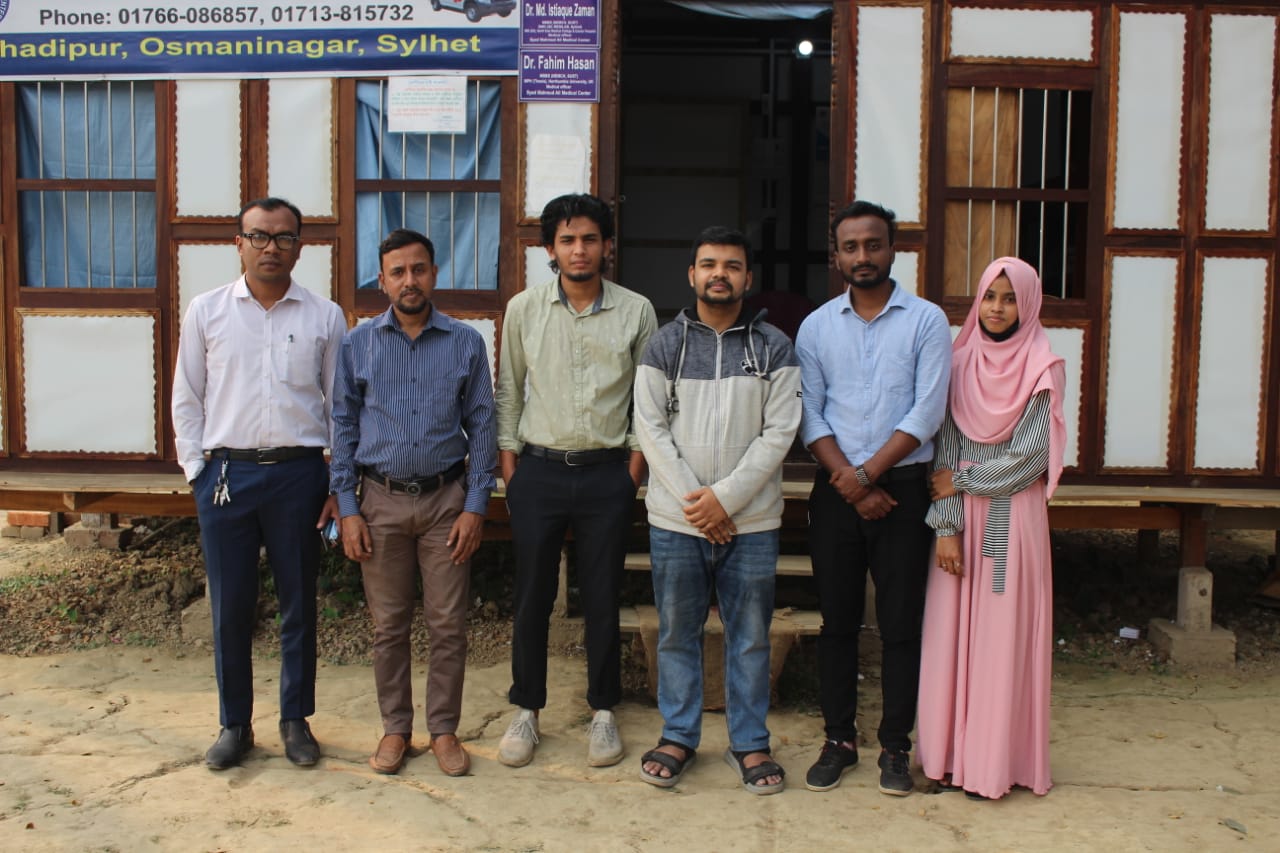
About Us
Established in 2020, ALHERA is dedicated to empowering and supporting disadvantaged and disaster-affected communities through youth engagement and sustainable impact. We aim to create meaningful and lasting change that will benefit future generations, continuously striving to improve our efforts and make a positive impact on those who need it the most.
Learn MoreOur Work
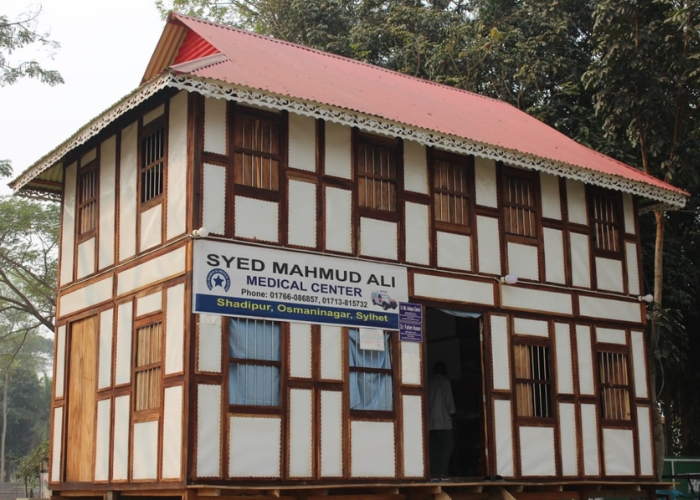
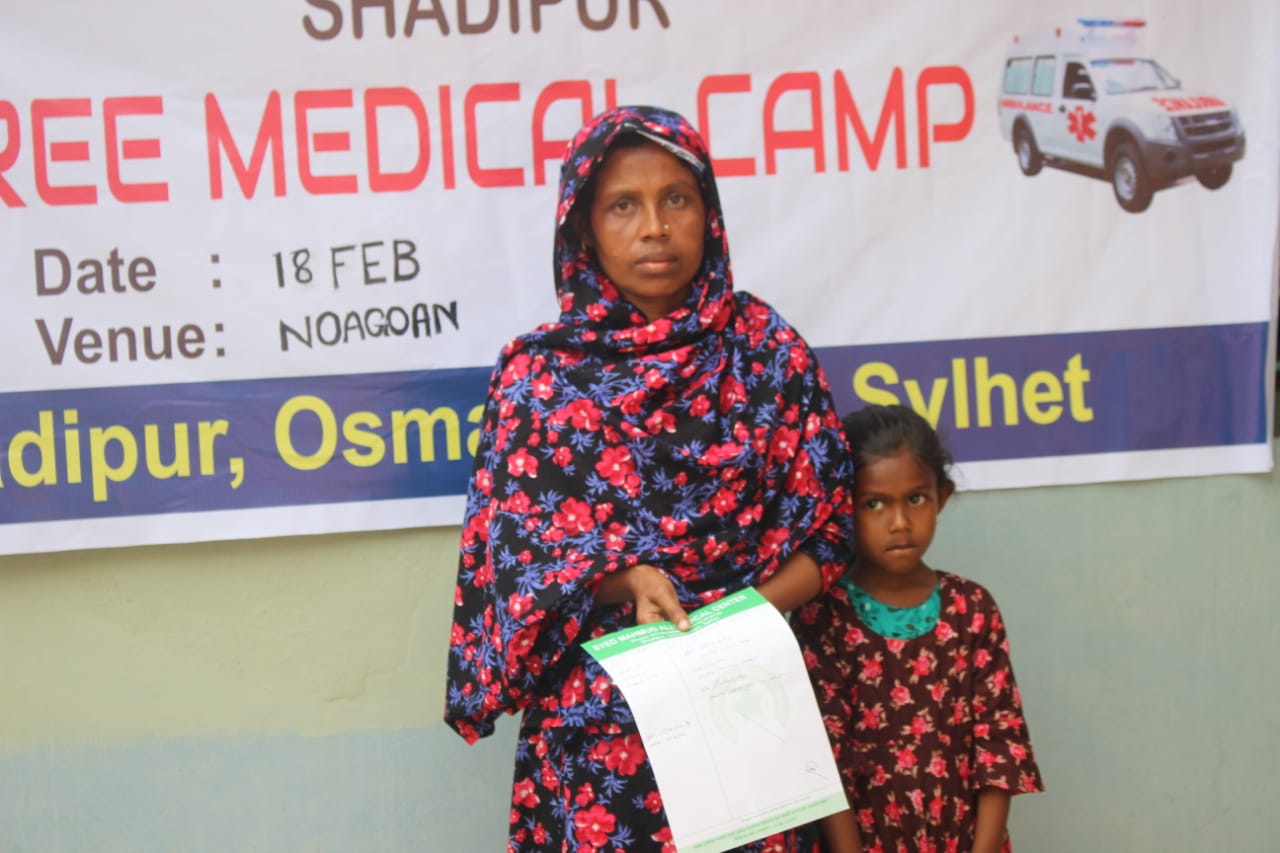
Our initiative is committed to providing accessible health services to underserved communities in need. Together, we can meet their critical health needs.
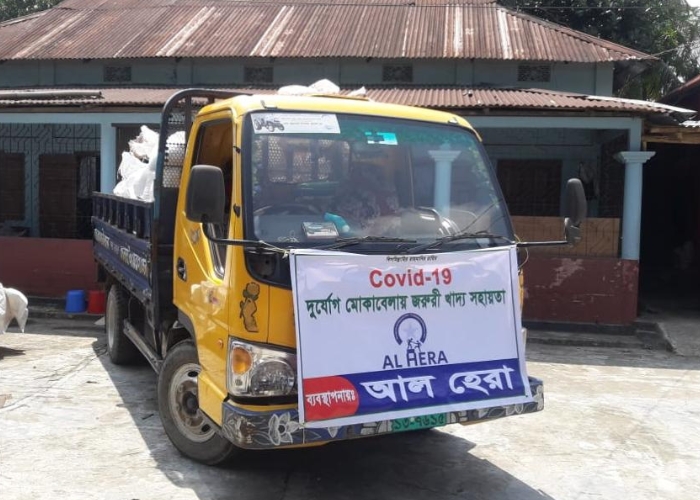
ACR Taskforce distributed aid packages to families affected by the Coronavirus.
Learn More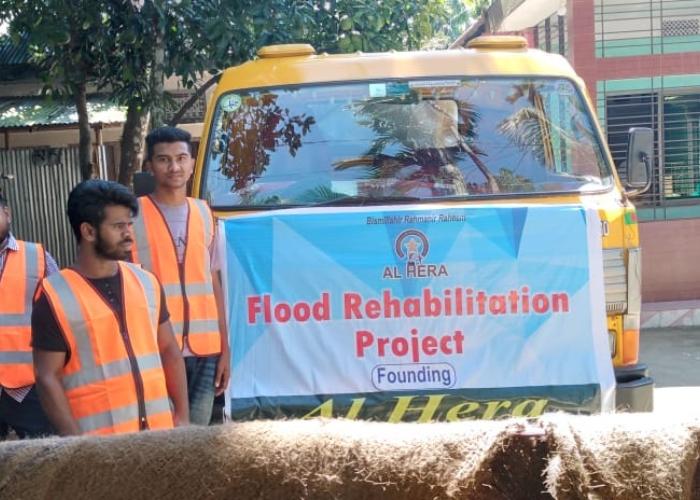
Our team quickly responded to the crisis and provided urgent aid to those impacted by the flood.
Learn More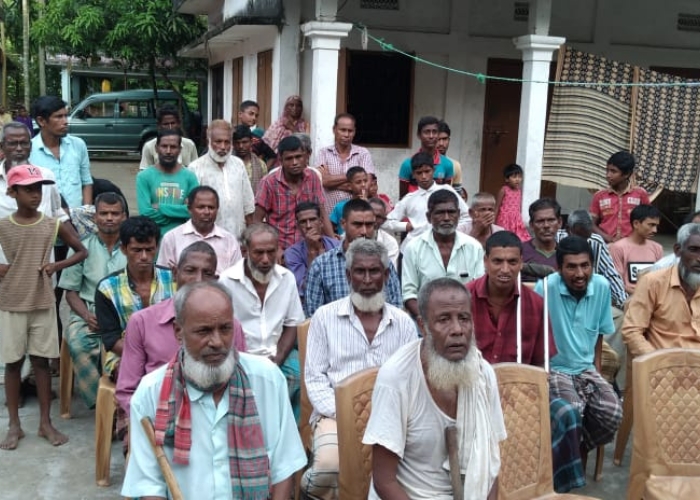
In a collaborative effort, ALHERA and its partners rebuilt 20 homes for Sylhet flood-affected families.
Learn MoreDonate Now
By bringing hope and healing to those in need, you can change lives for the better. With your support, we can reach more people and provide the care necessary for them to lead healthy, fulfilling lives. Let's work together to make a positive impact on the lives of underserved communities.
Secure Payment · This site is protected by reCAPTCHA and the Google Privacy Policy and Terms of Service apply.
Frequently Asked Questions
If you need to cancel your recurring monthly donation — thank you for the support thus far! — here's how to do it.
1. Log into your PayPal account.
2. Click the Settings (gear) icon on the navigation bar.
3. In Settings, click “Payments” near the top of page.
4. Under “Automatic payments”, click “Manage automatic payments”. This is where you’ll find recurring and scheduled payments.
5. Under "Show active", find ALHERA and then click on it. Then click the "Cancel" button next to "ACTIVE".
6. Follow the instructions to confirm cancellation.
If that doesn't work or you don't have a Paypal account — enter your name and email below — we'll cancel it from our end.
This site is protected by reCAPTCHA and the Google Privacy Policy and Terms of Service apply.
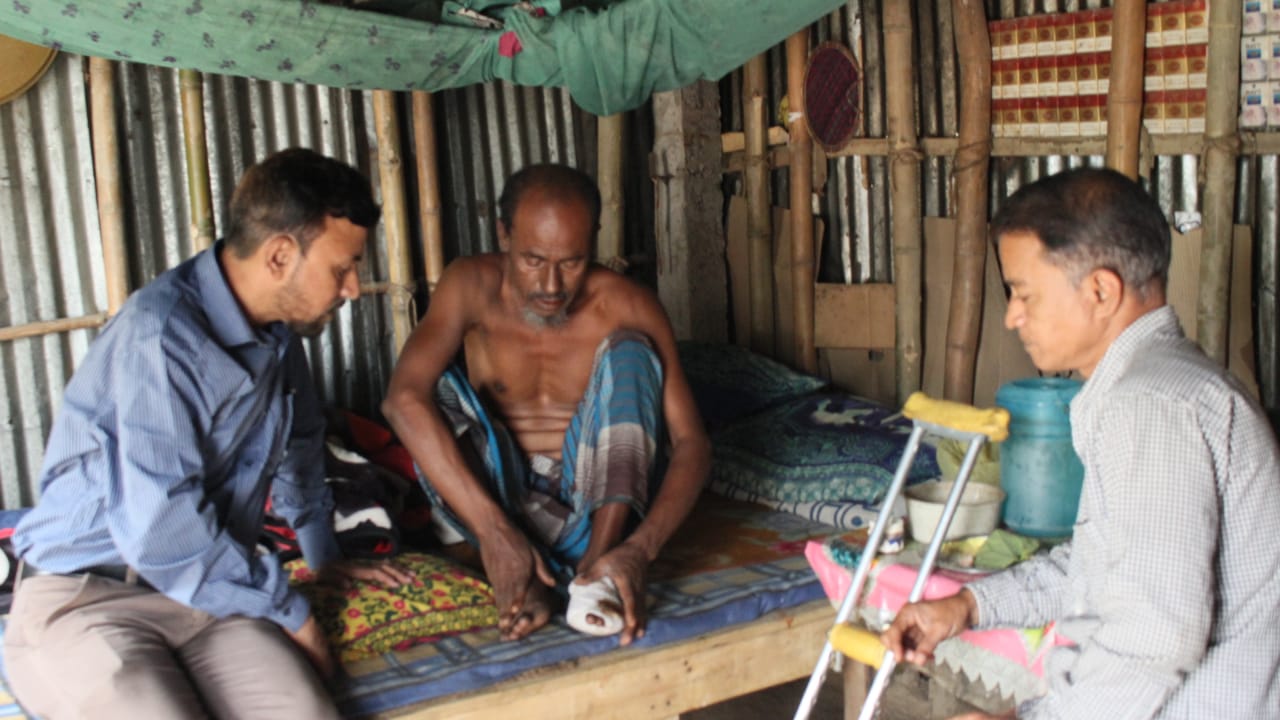
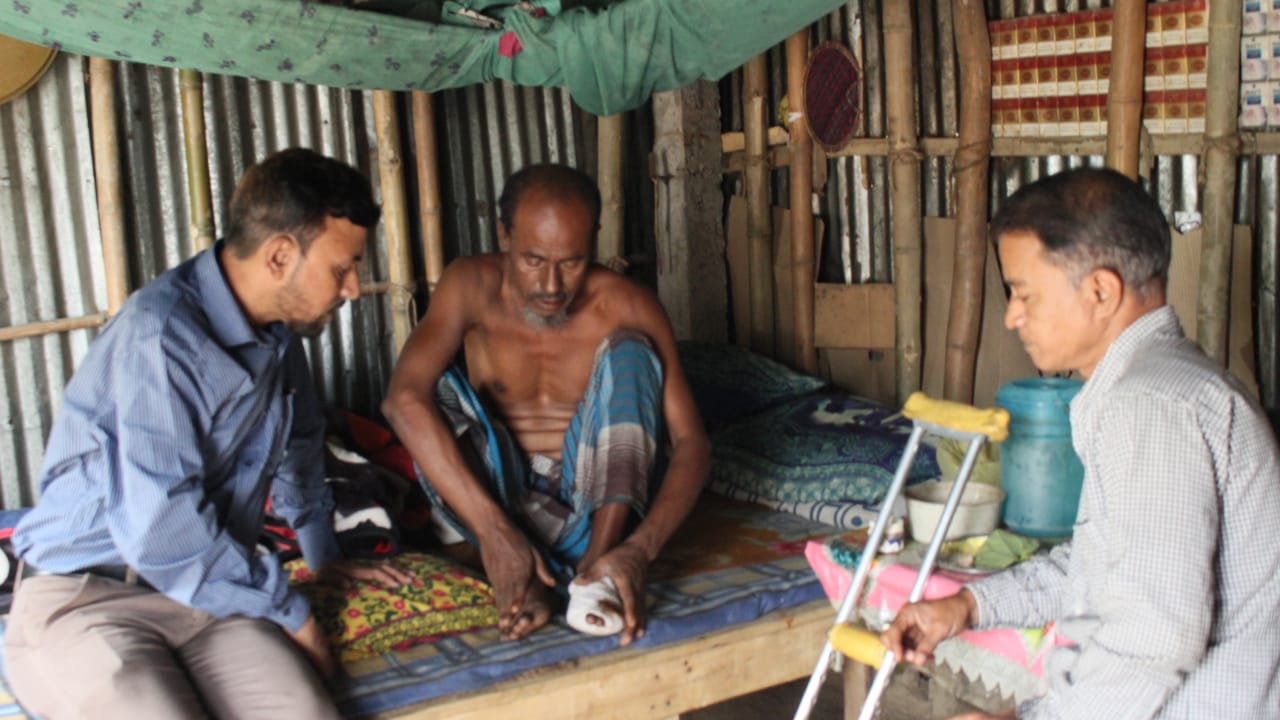
In the rural city of Osmaninagar, Sylhet, Ullah developed the deadly condition, gangrene.
Get In Touch